
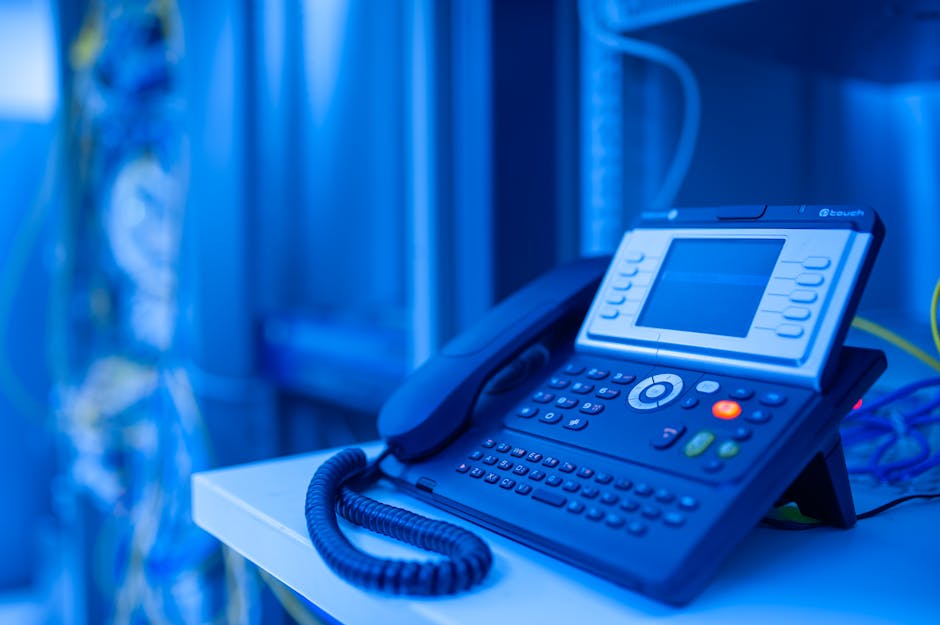
A telephone automated system is software that answers, routes, and manages incoming business calls without requiring a live operator for every interaction. For Charlotte businesses fielding dozens or hundreds of calls per day, the right system can reduce missed calls, cut overhead, and deliver a more consistent caller experience — whether your office is in Ballantyne, SouthPark, or Uptown. According to a 2024 CompTIA study, more than 60% of small and mid-sized businesses that adopted cloud-based phone systems reported measurable improvements in operational efficiency within the first six months.
What Is a Telephone Automated System?
A telephone automated system is a call management platform that uses pre-recorded prompts, interactive voice response (IVR), and automated routing logic to handle inbound calls. Instead of a live receptionist answering every call, the system greets callers, presents menu options (“Press 1 for sales, press 2 for support”), and directs them to the right person or department automatically.
Modern telephone automated systems go well beyond simple IVR menus. Today’s platforms — often delivered as cloud-based VoIP (Voice over Internet Protocol) services — include voicemail-to-email transcription, call queuing, after-hours routing, auto-attendant greetings, and integration with CRM tools like HubSpot. The system runs 24 hours a day and never takes a lunch break.
It’s worth being precise about terminology. “Telephone automated system,” “auto-attendant,” “IVR system,” and “business phone system” are often used interchangeably. In practice, they describe overlapping capabilities within the same platform. When a Charlotte business owner says they want a telephone automated system, they almost always mean a cloud-hosted VoIP platform with auto-attendant and call routing built in.
What Can a Telephone Automated System Do for a Small Business?
A telephone automated system handles the call management tasks that would otherwise require a full-time receptionist — and it does them consistently, at scale, around the clock. Here’s what the core functionality looks like in practice for a Charlotte small business:
- Auto-attendant greetings — A professional recorded greeting answers every call on the first ring, even during your busiest hours. Callers hear a consistent, polished message that reflects well on your brand.
- Call routing and IVR menus — Callers self-select their destination (“Press 1 for appointments, press 2 for billing”) and the system routes them directly, eliminating the need for a human to transfer every call manually.
- After-hours handling — When your Charlotte office closes for the evening, the system automatically routes calls to voicemail, an answering service, or an emergency line — no manual switchover required.
- Voicemail-to-email transcription — Voicemails are transcribed and delivered to the right team member’s email inbox, so messages get read and acted on faster than traditional voicemail.
- Call queuing and hold music — Instead of reaching a busy signal, callers are held in queue with estimated wait times — reducing hang-ups and lost business.
- Hunt groups and ring-all routing — Calls ring multiple team members simultaneously or in sequence until someone answers, so important calls don’t fall through the cracks.
- Mobile and softphone integration — Staff can take business calls on their smartphones or laptops, which matters a great deal for Charlotte businesses with remote workers or field teams.
For a law firm in South End or a dental practice in Ballantyne, this kind of consistent, automated call handling directly affects patient and client satisfaction — and ultimately, revenue.
Telephone Automated System vs. a Real Receptionist: Which Is Right for You?
A telephone automated system and a live receptionist are not mutually exclusive — most businesses use both. The better question is: which tasks should be handled by the system, and which require a human?
A telephone automated system excels at high-volume, repetitive routing tasks. If your business receives 50 calls a day and 80% of them need to reach one of three departments, the system handles that routing faster and more consistently than any person could. It never misroutes a call because it’s distracted, and it handles calls at 7 a.m. on a Saturday without overtime pay.
A live receptionist adds value in situations that require judgment, empathy, or complexity. An upset patient, a high-value prospect calling for the first time, or a nuanced scheduling situation — these are moments where a human voice matters. The most effective setup for most Charlotte SMBs is a telephone automated system that handles initial routing and after-hours coverage, with live staff available during business hours for the interactions that benefit from a real conversation.
The financial case is straightforward. According to the U.S. Bureau of Labor Statistics, the median annual salary for a full-time receptionist in the Charlotte metro area is approximately $36,000–$42,000 — not including benefits, PTO, or training. A cloud-hosted telephone automated system with full auto-attendant and IVR capability typically runs a fraction of that cost per month, per user. For many small businesses, the math settles the question quickly.
How Much Does a Telephone Automated System Cost for Charlotte Businesses?
Cloud-based telephone automated system pricing varies based on the platform, the number of users, and the features included. Here’s a realistic range for Charlotte businesses evaluating their options:
- Basic cloud VoIP with auto-attendant — Entry-level platforms typically run $20–$35 per user per month for core features: auto-attendant, voicemail-to-email, mobile app, and basic call routing.
- Mid-tier platforms with advanced IVR and analytics — Platforms with call recording, advanced routing logic, CRM integration, and reporting typically run $35–$60 per user per month.
- Enterprise-grade UCaaS (Unified Communications as a Service) — Full-featured platforms that integrate voice, video, messaging, and contact center capabilities can run $60–$100+ per user per month.
- Microsoft Teams Phone — For Charlotte businesses already on Microsoft 365, Teams Phone is a compelling option. Microsoft 365 Business Premium ($26.40/user/month through Pax8 at MSRP) can be combined with a Teams Phone add-on to deliver calling, voicemail, auto-attendant, and IVR within the Microsoft ecosystem your team already uses.
Hardware costs — desk phones, headsets, conference room devices — vary by vendor and deployment. Many businesses today choose softphone-only deployments, where staff use computers and smartphones instead of physical handsets, which reduces upfront hardware investment significantly.
For a custom quote based on your Charlotte business’s size and call volume, contact Netsafe Solutions directly.
What IT Infrastructure Does a Telephone Automated System Require?
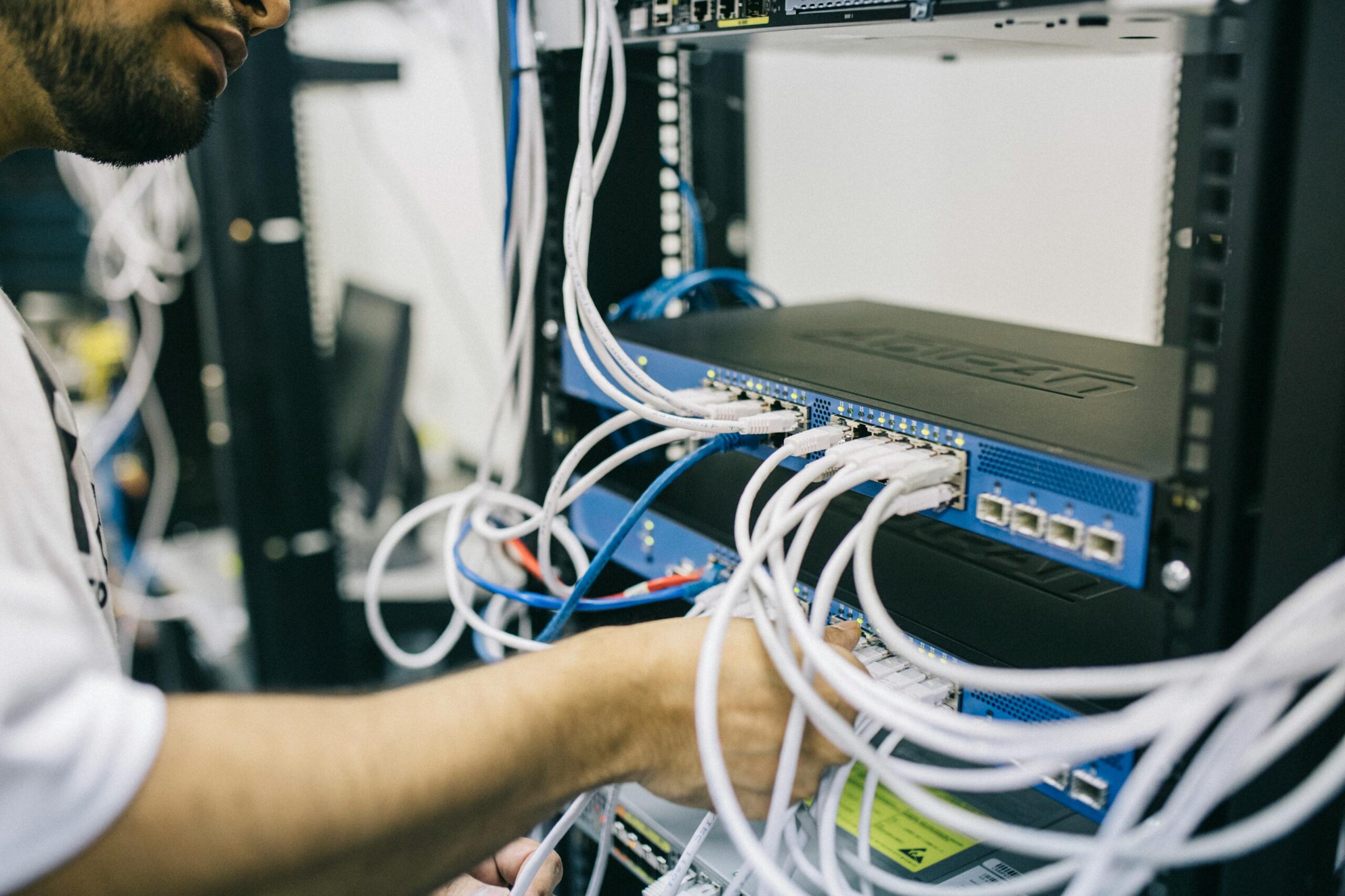
A telephone automated system runs over your internet connection — which means your network infrastructure directly affects call quality. Before deploying any cloud-based phone platform, there are three infrastructure factors every Charlotte business needs to evaluate:
Internet Bandwidth and Quality
VoIP calls require approximately 100 Kbps of upload and download bandwidth per concurrent call. That sounds modest, but call quality degrades sharply when your internet connection is congested or inconsistent. A business with 10 staff members on calls simultaneously needs a reliable, low-latency connection with Quality of Service (QoS) settings configured to prioritize voice traffic over other data.
Network Configuration and QoS
Your router and switches need to be configured to prioritize voice packets. Without QoS, a large file download or a video conference from another department can introduce jitter and packet loss into active calls — which callers hear as choppy audio or dropped words. This is a network configuration task, not a phone system task, and it requires someone with hands-on networking experience to set up correctly.
Security and Firewall Rules
VoIP platforms are a known attack surface. Toll fraud — where attackers hijack a business phone system to make international calls at your expense — is a real threat. Proper firewall configuration, SIP trunk security settings, and access controls are essential. According to the FBI’s 2024 IC3 report, business email compromise and related fraud schemes cost U.S. businesses over $2.9 billion in 2023 — and phone system compromises are a common entry point. Protecting your telephone automated system starts with securing the network it runs on.
If your current network infrastructure hasn’t been assessed recently, a network assessment is a sensible first step before deploying any new phone platform.
How Netsafe Solutions Supports Business Phone Systems in Charlotte
Netsafe Solutions has supported Charlotte businesses across the metro area since 2003, and business phone systems have been part of that work for years. Our role is to manage the IT infrastructure that makes your telephone automated system reliable — the network, the security layer, the Microsoft 365 environment — and to coordinate with your phone platform vendor for platform-specific configuration and migration work.
For Charlotte businesses using Microsoft 365, Netsafe Solutions manages the full Microsoft environment: Entra ID for identity and access management, Intune for device management, and the licensing layer through Pax8. If you’re evaluating Microsoft Teams Phone as your telephone automated system, we handle the M365 infrastructure side and work directly with Microsoft’s Teams Phone resources for the calling configuration.
Our business phone systems support includes:
- Network readiness assessment — Evaluating bandwidth, QoS configuration, and firewall rules before any phone system deployment
- Microsoft 365 environment management — Licensing, Entra ID, Intune, and Teams configuration for businesses using the Microsoft stack
- Ongoing IT infrastructure support — Our per-device monthly support fee covers unlimited remote help desk during business hours, so your team has a number to call when something stops working
- Security layer — SentinelOne EDR on every endpoint, DefensX for DNS filtering, and Blackpoint Cyber SOC for 24/7 monitoring of your environment — including your Microsoft 365 tenant — protect the infrastructure your phone system depends on
- Vendor coordination — For platform-specific configuration on non-Microsoft phone systems (RingCentral, 3CX, Nextiva, and others), Netsafe manages the IT infrastructure side and coordinates with those vendors for platform-specific work
Netsafe Solutions prices every engagement transparently. The per-device support fee covers unlimited remote help desk during business hours — that’s all that’s in that number. Security tools like SentinelOne, NinjaOne RMM, and Blackpoint Cyber SOC are each priced separately on month-to-month terms, so you’re paying for exactly what your business needs and nothing it doesn’t. Microsoft 365 licensing is resold through Pax8 at Microsoft’s published MSRP. There are no forced bundles, no surprise line items — just itemized, tailored pricing. We use a straightforward 1-year service agreement, with tools on flexible month-to-month terms, so you’re never locked into technology that stops working for you.
Most businesses tell us our rate came in lower than other quotes they received. Contact Netsafe Solutions for a custom quote based on your environment.
Key Statistics — Business Phone and VoIP Adoption
- More than 60% of SMBs that adopted cloud-based phone systems reported measurable efficiency improvements within six months (CompTIA, 2024)
- VoIP adoption among U.S. small businesses reached 31% in 2023, up from 19% in 2020, with growth accelerating as remote and hybrid work becomes standard (Metrigy Research, 2024)
- Businesses using hosted VoIP report average cost savings of 30–50% compared to traditional PBX systems (Frost & Sullivan, 2023)
- Toll fraud and VoIP-related business fraud contributed to over $2.9 billion in losses reported to the FBI in 2023 (FBI 2024 IC3 Report)
- Microsoft Teams had over 300 million monthly active users as of 2023, making it the most widely deployed unified communications platform for SMBs globally (Microsoft, 2024)
Frequently Asked Questions About Telephone Automated Systems
What is a telephone automated system for a small business?
A telephone automated system for a small business is a cloud-based platform that answers inbound calls, presents callers with menu options, and routes them to the right person or department automatically. Modern systems include auto-attendant, IVR menus, voicemail-to-email, after-hours routing, and mobile app integration — all without requiring a dedicated receptionist for every call.
Do I need special hardware to set up a telephone automated system?
Not necessarily. Most cloud-based telephone automated systems today can run entirely as software — using computers, smartphones, or browser-based softphones instead of traditional desk phones. Some businesses still prefer physical handsets for certain roles, but hardware is optional for many deployments. Your internet connection and network configuration matter more than the physical hardware you choose.
Can a telephone automated system work with Microsoft Teams?
Yes. Microsoft Teams Phone is a fully supported telephone automated system for businesses already using Microsoft 365. It includes auto-attendant, call queues, voicemail, and IVR capabilities within the Teams environment your team already uses. Netsafe Solutions manages the Microsoft 365 infrastructure for Charlotte businesses evaluating this path and coordinates with Microsoft’s Teams Phone resources for calling configuration.
How does a telephone automated system affect my IT security?
Any internet-connected phone system is a potential attack surface. Toll fraud — where attackers exploit misconfigured VoIP systems to make unauthorized calls — is a documented threat. Securing your telephone automated system requires proper firewall rules, SIP trunk configuration, and access controls at the network level. Netsafe Solutions deploys SentinelOne EDR on every endpoint and uses DefensX for DNS filtering to protect the infrastructure your phone system runs on. A security gap analysis is a good starting point if you’re concerned about your current exposure.
How do I know if my internet connection is ready for a telephone automated system?
A reliable telephone automated system needs a low-latency internet connection with Quality of Service (QoS) configured to prioritize voice traffic. The best way to know if your network is ready is a professional network assessment — which evaluates bandwidth, latency, jitter, and switch configuration before any phone system is deployed. Netsafe Solutions conducts these assessments for Charlotte businesses as part of our managed IT engagements. The FCC’s VoIP overview covers the same call quality and reliability factors we evaluate before any telephone automated system goes live. If issues are found, we address them before the phone system goes live, rather than diagnosing call quality problems after the fact.
Is a telephone automated system right for a healthcare or dental practice in Charlotte?
A telephone automated system is widely used in healthcare and dental settings for appointment routing, after-hours handling, and high call volume management. Netsafe Solutions manages the IT infrastructure around practice management platforms like Dentrix, Eaglesoft, and Open Dental, and coordinates with those vendors for platform-specific configuration and migration work. For healthcare IT support in Charlotte, the phone system infrastructure needs to align with your HIPAA compliance requirements — which is another reason to involve your IT provider early in the decision.
Ready to evaluate a telephone automated system for your Charlotte business — or make sure your network is ready to support one? Reach out to Netsafe Solutions and let’s talk through what makes sense for your environment.